
Bad photos are killing your eBay sales
Most new sellers think a quick phone snap is enough. It’s not. Listings with just one or two blurry photos get ignored. eBay’s own data shows that listings with all 12 photo slots filled get 4.2 times more views than those with only one or two. Buyers want to see every angle - front, back, side, close-ups of logos, stitching, scratches, or wear. If you’re selling a vintage camera, show the lens, the dial, the strap, and the inside of the case. If it’s a pair of jeans, show the waistband, the hem, the pocket stitching, and any fading or holes. Use natural light. A window with soft daylight works better than a flash. If you need a cheap fix, a $20 ring light from Amazon makes a huge difference. Place the item on a white or neutral background. Don’t use cluttered bedsheets or messy tables. eBay’s free image enhancer (available since March 2022) can brighten dull photos and remove shadows. And always include a scale shot - put a coin, a ruler, or your hand next to small items so buyers know exactly how big they are. One seller in Wellington increased conversions by 220% just by fixing her photos. She didn’t buy new equipment. She just used her phone better.
Your title isn’t helping you get found
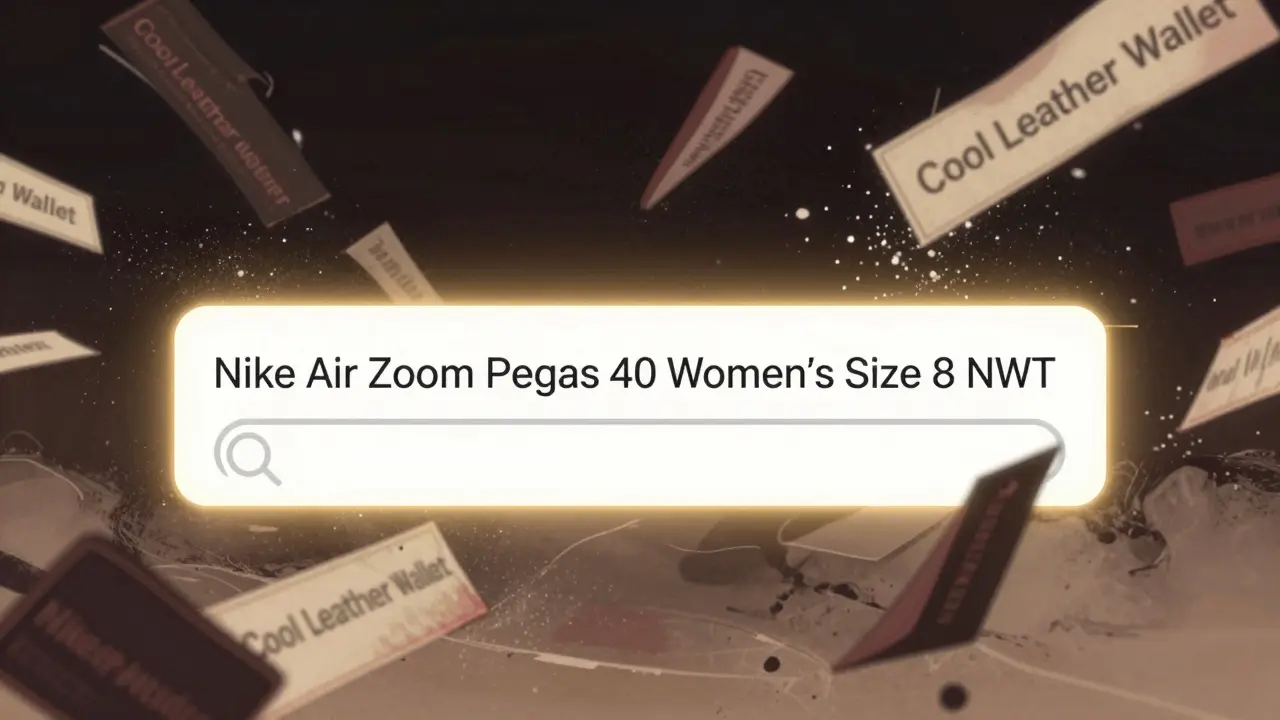
Titles like “Cool Leather Wallet” or “Nice Watch” are useless. eBay’s search algorithm doesn’t care about adjectives. It cares about keywords. The first 25 characters of your title matter most - that’s what shows up in mobile search results. If you’re selling a women’s Nike running shoe, don’t write “Beautiful Nike Running Shoe Size 8.” Write “Nike Air Zoom Pegasus 40 Women’s Size 8 NWT.” That’s 55 characters. It includes the brand, model, gender, size, and condition. “NWT” means New With Tags - a term buyers search for. Use eBay’s Terapeak tool (free if you have a Store subscription) or eRank to see what real buyers are typing. Avoid made-up acronyms or symbols like “$” or “~.” Those hurt your ranking. One seller changed “Vintage Leather Wallet for Men” to “Vintage Leather Wallet for Men - Slim, Durable, Classic Design” and saw click-through rates jump 63%. That’s not magic. That’s clarity.
Your description is too short - and that’s costing you
Most sellers write one or two sentences. That’s not enough. Top sellers write 300 to 500 words. They break it into sections: Key Features, Measurements, Condition Notes, Shipping Info. If you’re selling clothing, list actual garment measurements - not just “fits size M.” Buyers return clothes because sizes vary. A “Medium” from one brand can be a “Large” from another. If you don’t give exact chest, waist, and length numbers, you’re inviting returns. For electronics, list the model number, battery life, charger type, and whether accessories are included. Mention if it’s been opened or used. Don’t say “Good condition.” Say “Used lightly, one small scratch on the back, no dents, powers on perfectly.” This isn’t just nice - it’s required. eBay’s own data shows listings with full descriptions get 41% fewer “item not as described” claims. If writing feels like a chore, a product description generator can turn your bullet points into a polished, detailed listing in seconds.
Pricing too high? Too low? Either way, you’re losing
Too many sellers list items at whatever price they think it’s “worth.” That’s emotional, not strategic. eBay’s algorithm sees listings that sit unsold for 30 days and drops their visibility by up to 60%. On the flip side, pricing too low means you’re leaving money on the table. The fix? Look at sold listings. Use eBay’s “Sold Items” filter. See what similar items actually sold for - not what people are asking. Don’t just copy the lowest price. Find the sweet spot. A smart trick: list at 15-20% above your target, then offer a 16% discount. For example, list a $50 item at $60 and say “16% off.” Buyers see “$60” and think they’re getting a deal. You still make $50. This method boosted conversions by 22% in a 2023 Ecomclips study. Also, don’t forget to check what’s trending. A Nintendo Switch that sold for $300 last month might only go for $240 now. Price based on data, not hope.
Hidden flaws = returns
If you’re selling used items and don’t show the flaws, buyers will find them - and they’ll complain. eBay says 53% of “item not as described” cases come from sellers hiding damage. Clothing sellers are the worst offenders - 67% of clothing returns happen because a stain, tear, or missing button wasn’t mentioned. Don’t just say “used.” Say “Used - small stain under left arm, no holes, zipper works fine.” Take a close-up photo of every flaw. Use your phone’s macro mode. Don’t rely on buyers to zoom in. Put the photo right next to the description. eBay updated its rules in July 2022 to require condition details in both title and description. If you don’t follow this, your listing gets flagged. One seller reduced returns by 38% just by adding two photos and two sentences. It’s not about being perfect. It’s about being honest.
You’re breaking eBay’s IP rules without knowing it
Some words are banned - even if you think they’re harmless. “Velcro,” “Onesie,” “Kleenex,” “Band-Aid” - these are trademarked terms. Selling a generic fastening strip? Don’t call it “Velcro.” Use “hook-and-loop fastener.” Selling baby clothes? Say “baby bodysuit,” not “onesie.” eBay removes over 14,000 listings a day for intellectual property violations. You don’t need to be selling fakes to get caught. Just using the wrong word can get your listing pulled - and your account penalized. Check eBay’s VERO (Verified Rights Owner) policy page monthly. If you’re unsure, Google the term + “trademark.” If it’s a brand name, only use it if you’re selling the real thing with proof of purchase. Otherwise, go generic. It’s safer, and it won’t get you suspended.
Shipping is your silent sales killer
Buyers leave bad reviews not because the item was broken - but because it arrived late or in a torn box. 47% of new sellers offer only one shipping option. That’s a mistake. Offer at least two: standard and expedited. Use eBay’s Guaranteed Delivery option (launched May 2022). It shows buyers your item will arrive by a specific date. If you can ship within one business day - and 91% of top sellers do - you’ll rank higher. Packaging matters too. Don’t ship a glass vase in a plain envelope. Use a box. Buy branded boxes in bulk from Uline - they cost less than 15 cents each. Tape the seams, add bubble wrap, and include a thank-you note. One seller reduced shipping complaints by 64% just by switching from plastic bags to boxes and shipping faster. Buyers notice effort. And they remember it.
You’re ignoring eBay’s built-in tools
Most sellers don’t use markdowns, volume discounts, or Best Offer. Yet 68% of buyers say they’re more likely to buy if they see “Save 15%” or “Best Offer Available.” Use eBay’s Markdown Manager to create timed discounts. List an item at $60, then set a 16% discount that kicks in after 7 days. It creates urgency. Use Best Offer for higher-priced items. It lets buyers make a counteroffer - and you can accept, decline, or counter. Sellers using these tools saw a 31% increase in completed sales. You don’t need to be a marketing expert. eBay built these tools so you don’t have to guess. Turn them on. Test them. See what works.
Special characters are hiding your listings
Asterisks, dollar signs, tildes, exclamation marks - they look flashy, but they hurt your search rank. eBay’s algorithm ignores them. In fact, listings with these symbols drop 27% in visibility. Use only letters, numbers, spaces, and approved abbreviations like “NWT,” “BNIB,” or “EXC.” If you use “!!!” or “$50!!!” - you’re fighting the system. One seller cleaned up her titles, removed all symbols, and saw her average search position rise by 2.8 spots. That’s the difference between page 5 and page 1. Keep it clean. Keep it simple. Let the product speak.
You’re selling the same item twice
How many times have you listed something on eBay, then sold it on Facebook Marketplace - only to have a buyer on eBay pay and then get a “Sorry, item sold” message? That’s inventory chaos. 44% of new sellers make this mistake. It leads to canceled orders, negative feedback, and even account suspension. The fix? Use eBay’s built-in Multi-Channel Inventory tool. It syncs your stock across eBay, Etsy, and Amazon. If you sell one item on Facebook, it auto-updates on eBay. If you don’t want to use that, keep a simple spreadsheet. List each item, mark it “sold” when it’s gone, and pause the listing immediately. Don’t wait. Don’t assume. One seller lost $1,200 in refunds and fees because she didn’t update her listings. She now uses a free Google Sheet. It takes two minutes a day. It saved her account.
What happens when you fix all 10?
It’s not about perfection. It’s about consistency. Sellers who fix even five of these mistakes see a 40% boost in sales. Those who fix all ten? They sell 4.7 times faster in their first 90 days, according to eBay’s internal data. Your listings won’t go viral overnight. But they’ll stop disappearing into the void. Buyers will find them. They’ll trust them. They’ll buy them. Start with photos and titles. Those are the easiest fixes. Then move to descriptions and pricing. Track your results. See what works. Don’t guess. Don’t copy. Just improve - one listing at a time.


